Hosting ThemeVPS Pty Ltd
  • 0 購物車
  • 首頁
  • 商店
    • 瀏覽全部
    • KVMVPS
    • Dedicated Servers
    • WINVPS
    • NVMeVps
  • 公告
  • 知識庫
  • 服務狀態
  • 推廣註冊
  • 聯絡我們
  • 更多
  • 帳戶
    • 登入
    • 註冊
    • 忘記密碼?
  1. 客戶系統
  2. 知識庫
  3. FAQ
  4. FAQ
  5. Install VNC client Tightvnc.

  分類

FAQ
28

  分類

  技術支援

我的服務單
公告
知識庫
下載
服務狀態
建立服務單

Install VNC client Tightvnc. 列印

  • 0

Install VNC (remote desktop access system), click on the link https://www.tightvnc.com/ download, install, and run :
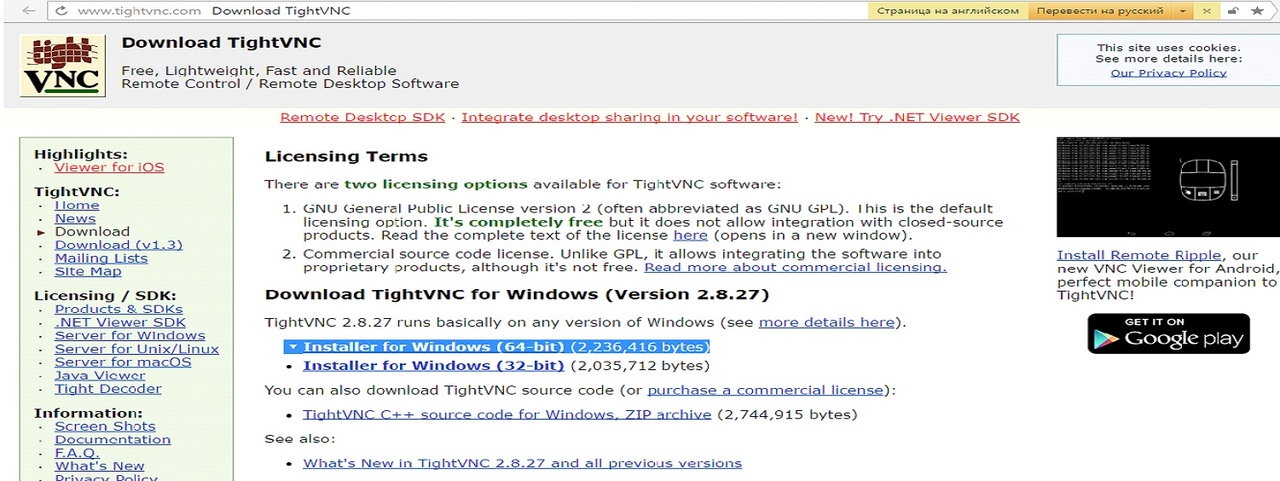
сайт vnc

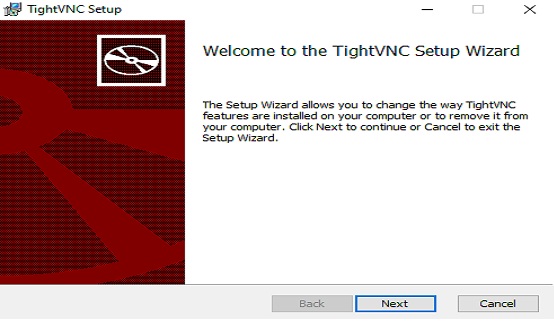
Starting the installation

процесс установки

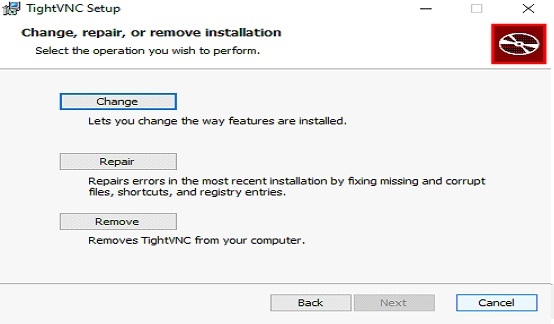
процесс установки

We only need to install TightVNC Viewer, without a server, TightVNC Server does not need to be installed, we do as shown below
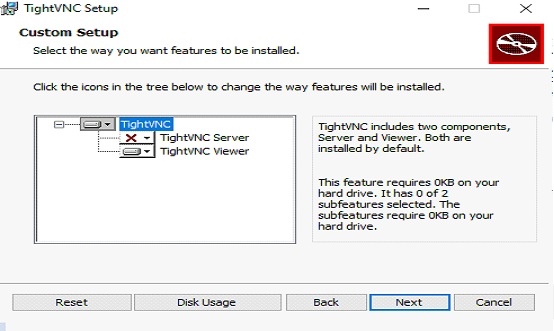
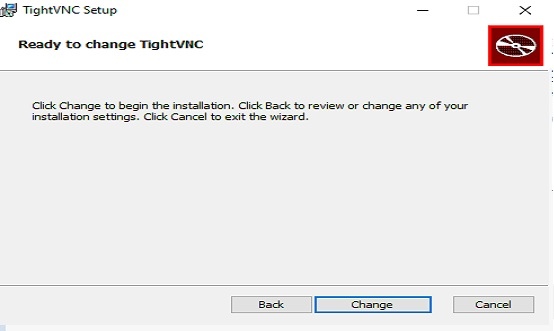
процесс установки

процесс установки

Waiting for the end of the program installation process
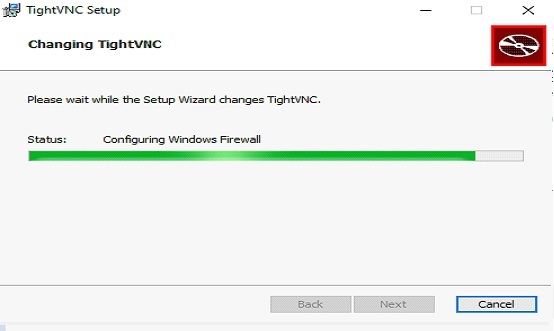
процесс установки

Installation is finished, click Finish
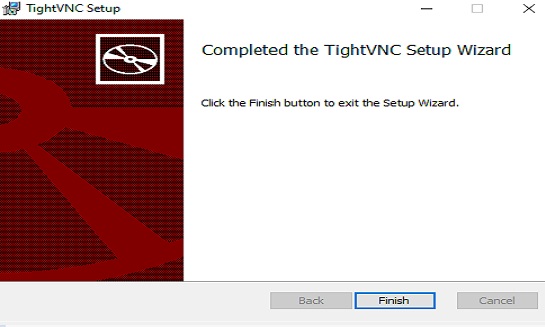
процесс установки

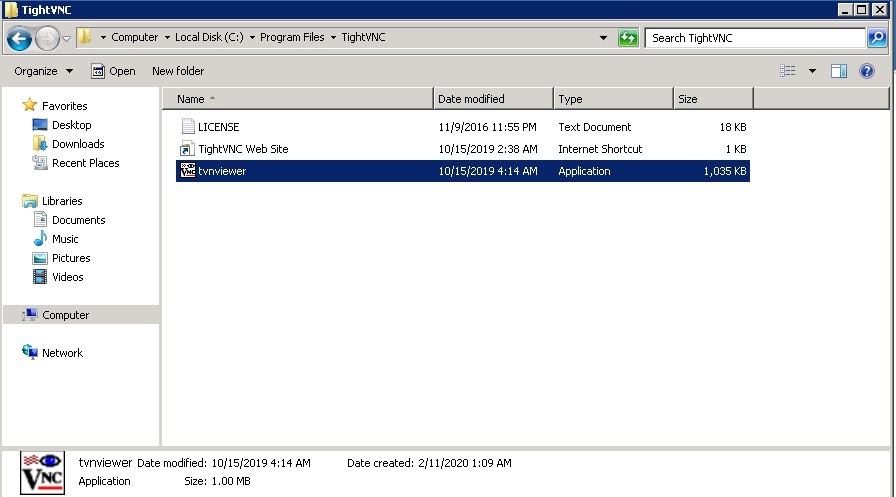
Launch

процесс установки


這篇文章有幫助嗎?

相關文章

Checking in CentOS 7 64bit Minimal the volume of the hard disk, RAM and processor information In the console, you need to run the commands and enter (enter in the command line): df-h-hard... Reinstallation CentOS 7 64bit Go to the VPS Control Panel, select CentOS 7 64bit Minimal, check the box and click Reinstall.... Checking server status To check the server status, go to the billing panel and enter the login information The status... Connection to the server through Remount Desktop In order to allow the connection, you need to do the following: To get started, we connect to... Hard disk volume check. How to Extend Drive in Windows. To check the amount of hard disk space on the server, click the start menu, open Administrative...
« 返回

  技術支援

我的服務單
公告
知識庫
下載
服務狀態
建立服務單
  • 聯絡我們
  • 服務條款

版權所有 © 2025 Hosting ThemeVPS Pty Ltd。版權所有。


載入中...
載入中...
語言
العربية
Azerbaijani
Català
中文
Hrvatski
Čeština
Dansk
Nederlands
English
Estonian
Persian
Français
Deutsch
עברית
Magyar
Italiano
Macedonian
Norwegian
Português
Português
Română
Русский
Español
Svenska
Türkçe
Українська

產生密碼

請輸入 8 至 64 之間的數字來做為密碼長度